HIGHLIGHTS
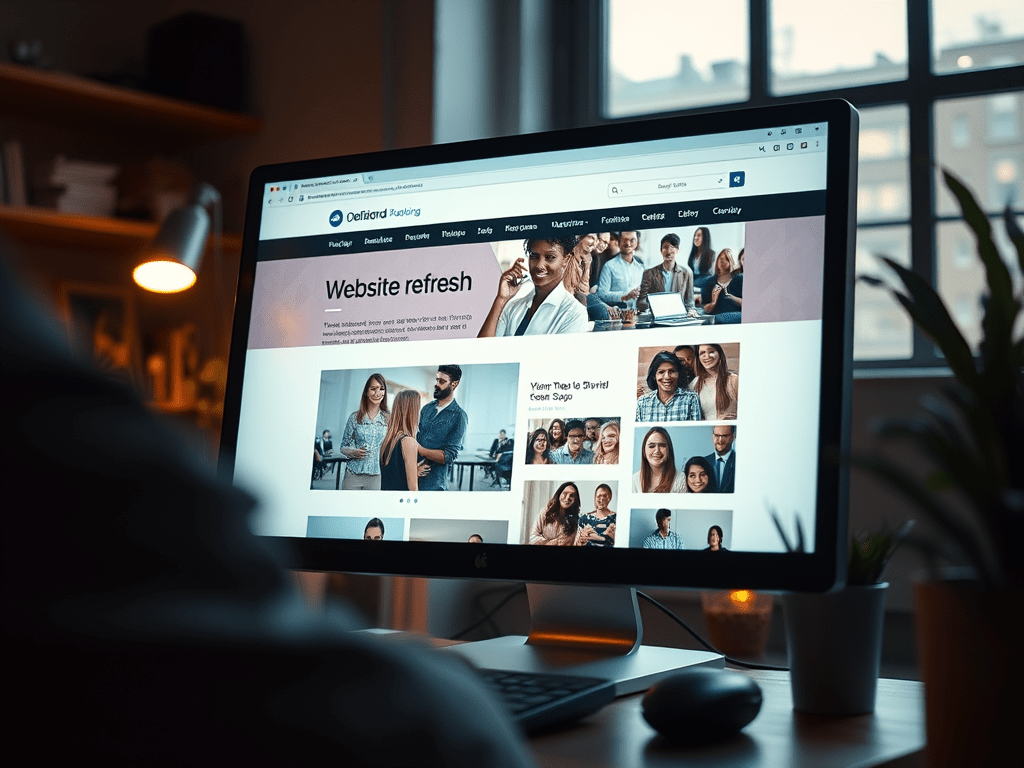
Whether you’re running a small business or leading a nonprofit, your website is one of your most valuable tools.
It’s often the first impression potential clients, customers, or donors have of you—and in today’s digital world, that impression needs to be current, clear, and compelling.
So, how often should you update your website?
A good rule of thumb is to do a light refresh every 3–6 months and a deeper review at least once a year. That doesn’t mean a full redesign every time. However, it does mean checking for outdated info. You should also check for broken links. Look for opportunities to improve how people experience your site.
Not sure where to start?
Here are 5 simple tips to help you confidently update your business or nonprofit website:
- Start with the Basics: Is Your Info Accurate?
Double-check your hours, contact information, services, staff bios, and pricing. These are small things, but if they’re wrong, they can damage trust—and cost you leads or donations.
Pro Tip: Set a quarterly reminder to review key info on your homepage, about page, and contact page.
- Update Photos and Visuals
People connect with faces and real stories. If your team has changed, or if your last photo update was more than a year ago, it’s time for some fresh visuals. This is especially important for nonprofits: show your impact with recent photos from events or programs.
Pro Tip: Use high-quality images and keep file sizes small so your site loads quickly.
- Add New Testimonials or Case Studies
Social proof is powerful. If a happy client or supporter sent you a kind note or success story, ask for permission to share it! Real voices help new visitors feel confident about working with or supporting you.
Pro Tip: Rotate in new quotes a few times a year to keep things fresh and relevant.
- Make Sure It Works on Mobile
Over half of web traffic now comes from mobile devices. Pull up your site on your phone or tablet and make sure it’s easy to navigate. Buttons should be tap-friendly, and text should be easy to read without zooming.
Pro Tip: Use Google’s free Mobile-Friendly Test to spot any issues.
- Check for Broken Links & Speed Issues
A slow or glitchy website can turn visitors away. Use free tools like Broken Link Checker to scan your site and make sure everything’s running smoothly.
Pro Tip: If you’re not tech-savvy, a virtual assistant or web professional can do a quick audit for you every few months.
Final Thoughts
Your website doesn’t have to be perfect—but it should be active. Think of it like a storefront: even small seasonal updates show people you’re open, engaged, and ready to help.
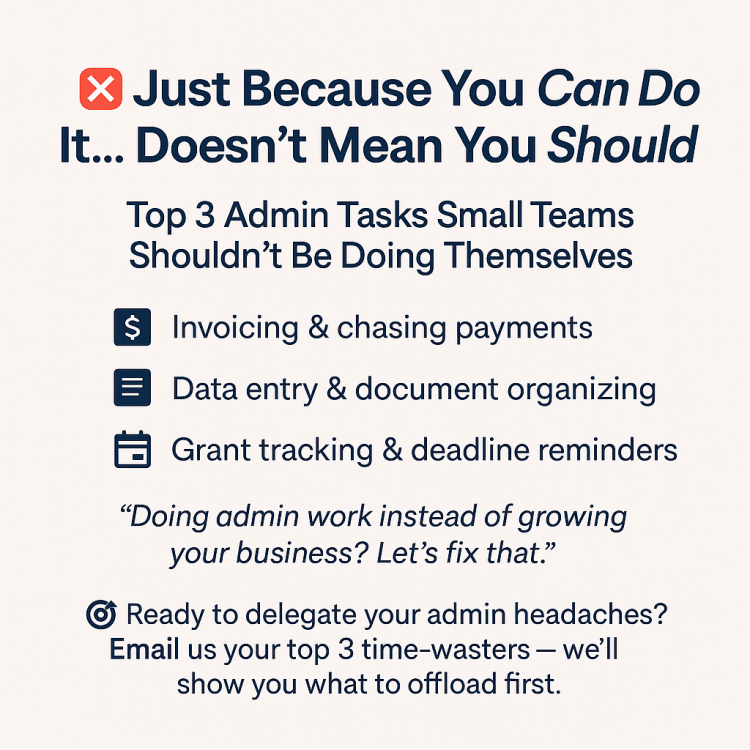
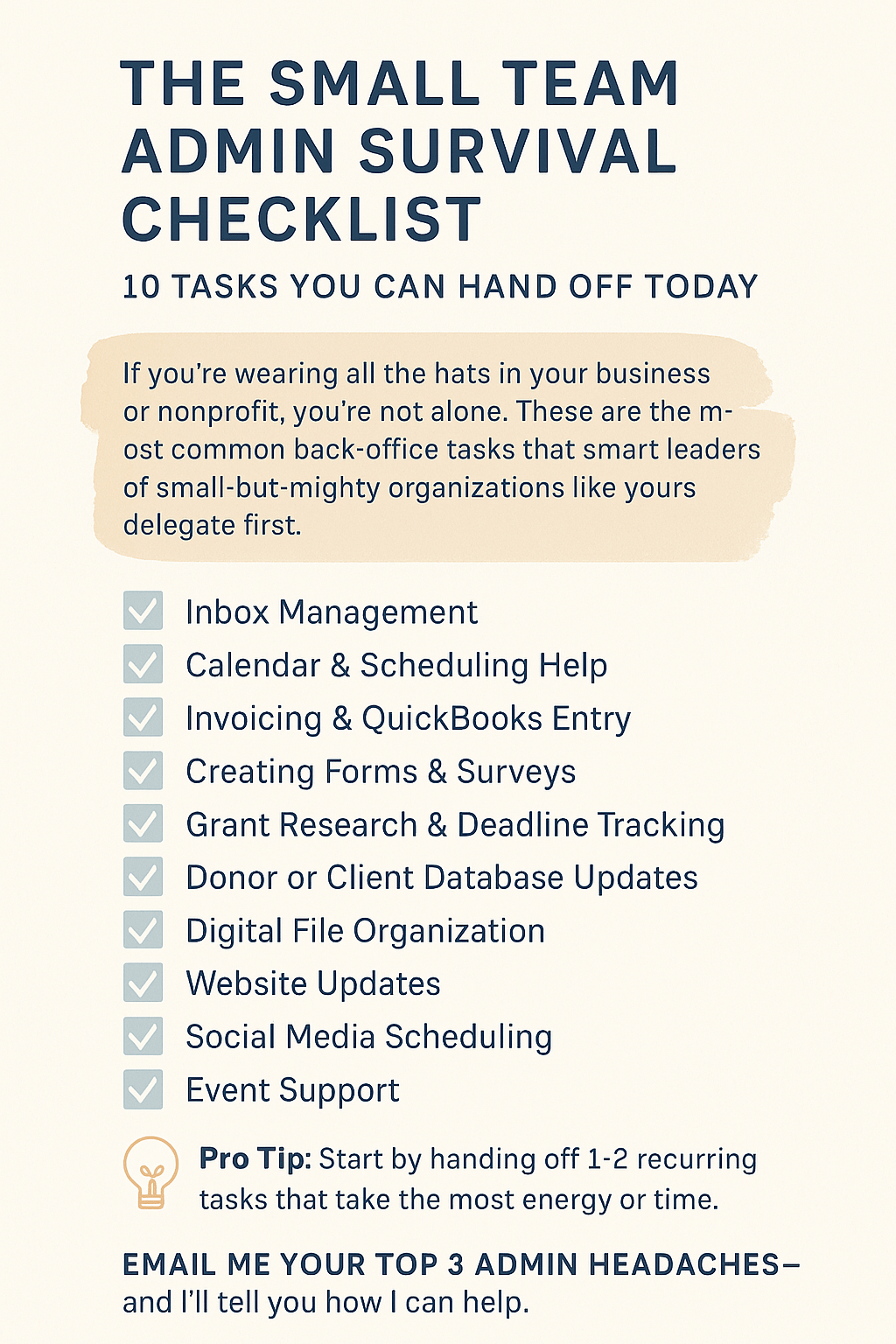
If you need a hand keeping your site updated, you’re not alone. Many small business owners and nonprofit leaders don’t have time to do it all—and that’s okay! There’s help out there so you can stay focused on the work you love.
Need Help Keeping Your Website Fresh?
Email me at faith@highlineadmin.com—I’d be happy to help you with quick updates, content refreshes, or a simple website audit.
Let’s make sure your online presence reflects the great work you’re doing.



























 Highline Virtual LLC